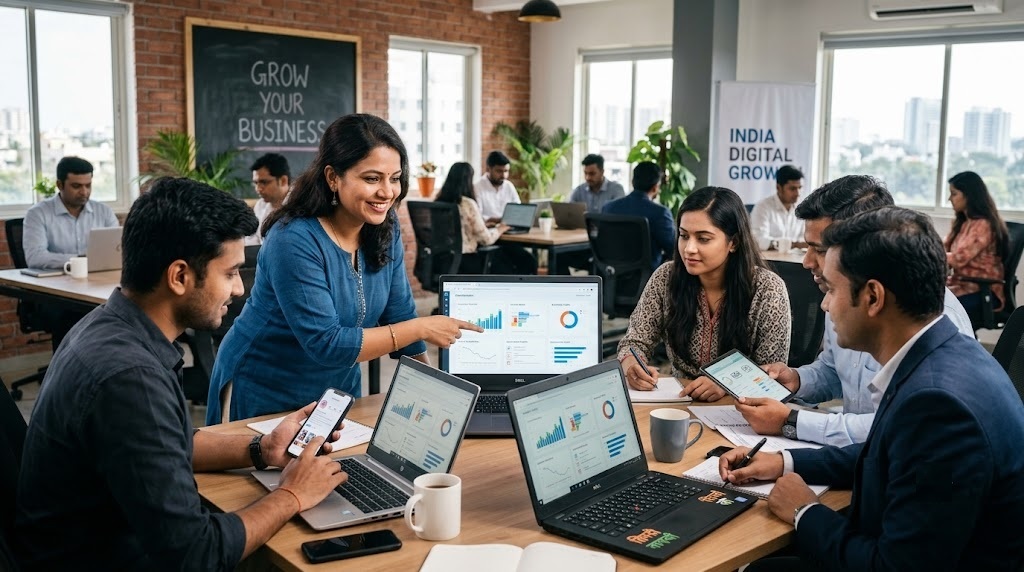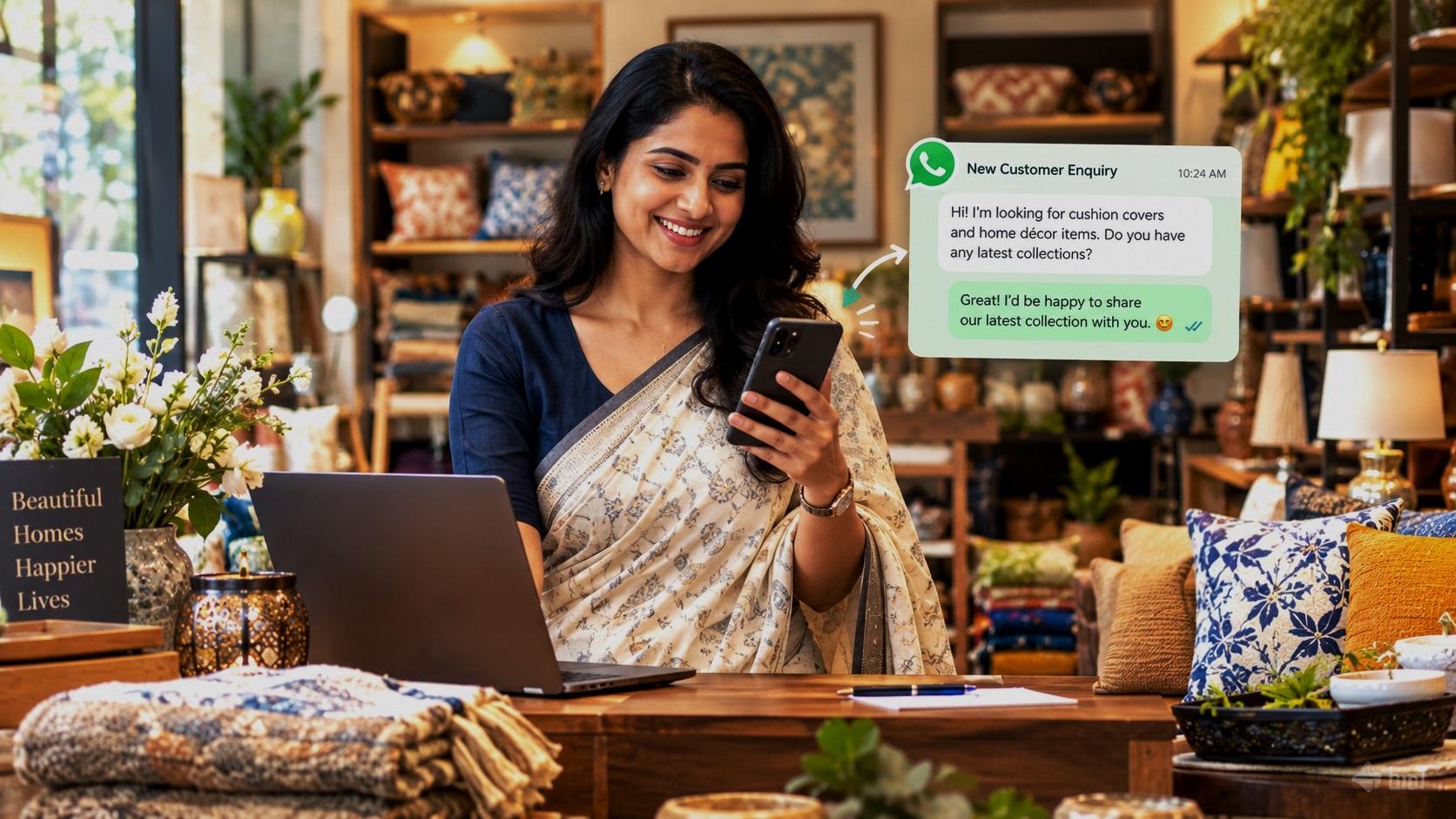
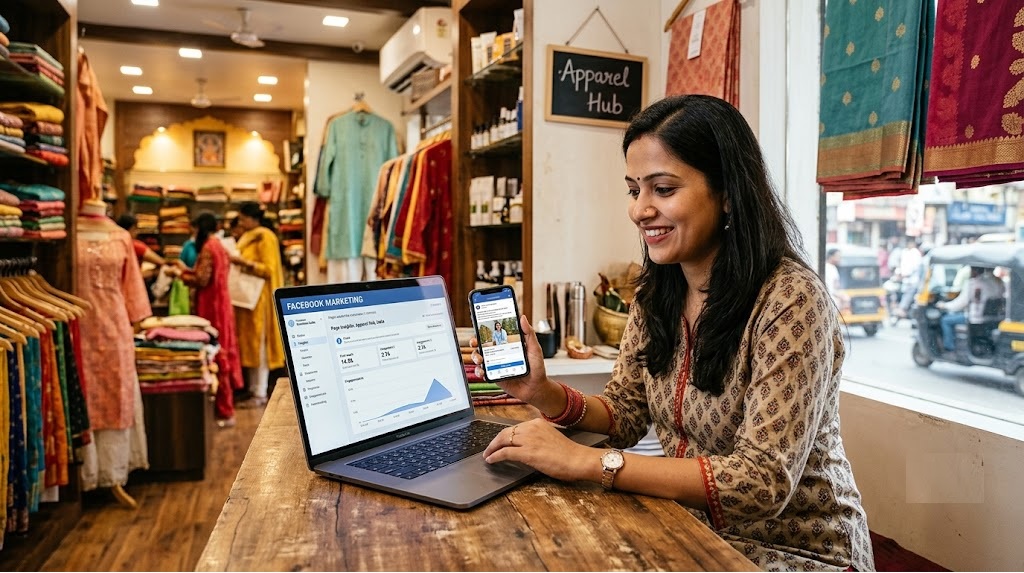
Running a small business in India is challenging. You may have excellent products, quality services and happy customers, but how do you make more people aware of your business?
Your potential customers are already spending time on Facebook. They browse local business pages, watch videos, look for recommendations, read customer reviews, discover new products and interact with businesses in their neighbourhood.
This creates a valuable opportunity for small business owners.
Facebook marketing allows local businesses to reach potential customers, showcase their products and services, build trust and generate enquiries without spending a fortune on advertising.
Whether you run a restaurant, coaching centre, beauty salon, retail shop, playschool, fitness centre, travel agency or home-based business, Facebook can help you attract more customers.
The best part? You can start with a free Facebook Business Page and grow your marketing efforts as your business develops.
This guide explains how to use Facebook marketing effectively, with practical strategies, content ideas, advertising tips and examples that Indian business owners can implement without needing a professional marketing team.
1. What Is Facebook Marketing?
Facebook marketing is the process of promoting your business, products or services through Facebook to connect with potential customers.
It involves creating and managing a Facebook Business Page, publishing useful content, sharing product photographs and videos, interacting with customers, joining relevant communities and running paid advertisements.
For example:
- A restaurant in Delhi can share its menu, food photographs, special offers and customer feedback.
- A coaching centre in Jaipur can publish information about courses, admission dates, faculty and student achievements.
- A beauty salon in Mumbai can showcase its services, latest hairstyles, bridal makeup and special packages.
- A playschool in Bengaluru can share classroom activities, learning programmes and information for parents.
- A local clothing shop in Lucknow can display new arrivals, seasonal collections and festival offers.
The objective is simple: make your business visible to the right people and give them a reason to contact you.
Facebook Marketing vs Facebook Advertising
These two terms are often used interchangeably, but they are not the same.
Facebook marketing includes all your promotional activities on the platform, including free posts, videos, customer interactions, community participation and paid campaigns.
Facebook advertising involves paying Meta to display your advertisements to selected audiences.
You can use Facebook marketing without spending money on advertisements. However, paid advertising can help you reach more people and generate enquiries faster when campaigns are properly planned.
2. Why Should Small Businesses in India Use Facebook Marketing?
Facebook remains a useful marketing channel for businesses that want to reach local audiences, build customer relationships and promote their products or services.
Here are some important benefits.
2.1 Promote Your Business Without a Large Budget
Traditional advertising through newspapers, magazines, banners and local publications can become expensive.
Facebook offers a more affordable starting point.
You can create a Business Page, publish posts, share photographs, announce offers and communicate with potential customers without paying for every activity.
Even a small business with a limited marketing budget can establish an online presence.
2.2 Reach Customers in Your Local Area
One of the biggest advantages of Facebook is the ability to connect with people based on their location and interests.
A business does not necessarily need customers from across India. It may simply need more customers from nearby residential areas, neighbourhoods or commercial markets.
For example:
- A dentist in Karol Bagh can target people looking for dental services in and around the area.
- A tuition centre in Noida can reach parents living in nearby sectors.
- A restaurant in Pune can promote its food and offers to people in surrounding localities.
- A boutique in South Delhi can showcase its collections to potential customers nearby.
Local marketing helps businesses focus their efforts on people who are more likely to visit or purchase from them.
2.3 Showcase Your Products and Services
Customers often want to see what a business offers before making a purchase.
Facebook gives you an opportunity to showcase your products, services, facilities, staff, work samples and customer experiences.
A clothing store can display its latest collection. A restaurant can share food photographs. A salon can showcase its work. A coaching institute can introduce its teachers.
Good photographs and informative videos can help customers understand your offerings before contacting you.
2.4 Build Trust and Credibility
People are more comfortable contacting businesses when they can find useful information about them online.
An active Facebook Page with genuine photographs, regular updates, customer feedback and clear contact details creates a better impression than an incomplete or inactive page.
Responding to questions and addressing customer concerns also shows that your business is approachable and attentive.
2.5 Generate Direct Customer Enquiries
Facebook can help potential customers contact your business through Messenger, WhatsApp or other available contact options.
For example, someone interested in a coaching course can ask about fees and batches. A customer looking for a birthday cake can enquire about designs and prices.
These conversations can turn into genuine business opportunities.
2.6 Stay Connected With Existing Customers
Marketing is not only about finding new customers.
Facebook also helps you stay connected with people who have already purchased from you.
You can inform them about new products, upcoming events, seasonal offers, service updates and special promotions.
Regular communication can encourage repeat purchases and referrals.
3. How to Set Up a Facebook Business Page
Before you start promoting your business, create a professional Facebook Business Page.
A Business Page is different from a personal Facebook profile. It is designed for businesses, organisations, brands and public figures.
You can create one through Facebook and manage it using the available business management tools.
Follow these steps.
Step 1: Create Your Business Page
Log in to Facebook and look for the option to create a new Page.
Enter your business name and select the category that best describes your business.
Examples include:
- Restaurant
- Education
- Beauty, cosmetic and personal care
- Shopping and retail
- Health and wellness
- Travel agency
- Professional services
- Local service
Choose the most relevant category so that visitors can quickly understand what your business does.
Step 2: Add a Professional Profile Picture
Your profile picture should help people recognise your business.
For most businesses, the logo is the best choice.
Use a clear, high-quality image that remains recognisable even when displayed in a small circular format.
Avoid using complicated designs or photographs containing too much text.
Step 3: Add an Attractive Cover Photo
Your cover photo is one of the first things visitors notice.
Use it to communicate what your business offers.
Examples:
- A restaurant can display its signature dishes.
- A salon can showcase its beauty services.
- A coaching centre can feature its classrooms and faculty.
- A retail shop can display its latest products.
You can also include a short tagline, important service information or your location.
Make sure the design looks good on both desktop and mobile screens.
Step 4: Write a Clear Business Description
Your description should explain what your business does, where it operates and why customers should choose you.
Include relevant keywords naturally.
For example:
“Looking for quality home tuition in Noida? We provide experienced tutors for school students, covering all major subjects and educational boards. Contact us to learn more about our tuition programmes.”
A useful description should answer three questions:
- What products or services do you offer?
- Where is your business located?
- How can customers contact you?
Step 5: Add Complete Business Information
An incomplete Facebook Page can make potential customers hesitate.
Add all relevant details:
- Business name
- Full business address
- Phone number
- WhatsApp contact
- Website URL
- Business hours
- Email address
- Products and services
- Location or service areas
If customers visit your physical establishment, make sure your address and map information are accurate.
Step 6: Add a WhatsApp or Contact Button
Make it easy for customers to contact you.
Depending on the options available to your Page, add an appropriate action button such as WhatsApp, Call Now, Send Message or Contact Us.
A customer should not have to search through multiple posts to find your contact information.
Step 7: Publish Your First Few Posts
Do not leave your Page empty after creating it.
Before inviting customers to follow you, publish some useful introductory content.
Start with:
- An introduction to your business.
- Your main products or services.
- Photographs of your products, premises or work.
- Your location and contact information.
- A special offer or an introductory announcement.
This gives new visitors enough information to understand your business.
4. How to Promote Your Business on Facebook for Free
You do not need to run advertisements immediately.
There are several ways to promote your business organically and gradually build an audience.
4.1 Post Regularly on Your Facebook Page
Consistency matters.
An inactive Page does little to remind people that your business exists.
Create a simple posting schedule that you can maintain.
For a small business, start with three to five useful posts every week, depending on the amount of content you can create.
Your posts should not always be advertisements.
Share information that helps customers understand your products, services and expertise.
For example, a restaurant can share recipes, food preparation videos, menu updates and customer favourites.
A coaching centre can publish study tips, subject explanations, exam updates and information about new batches.
4.2 Use High-Quality Photographs
Photographs are among the easiest ways to showcase a local business.
You do not need an expensive camera or professional photography equipment.
A modern smartphone can produce good results if you pay attention to lighting, background and presentation.
Some practical ideas:
- Photograph your actual products.
- Show your workplace or business premises.
- Display different product varieties.
- Share before-and-after results where appropriate.
- Introduce your team.
- Show how your products are prepared or services are delivered.
Use genuine photographs rather than relying entirely on generic stock images.
Customers want to see the real business they may be purchasing from.
4.3 Create Facebook Reels
Short videos are an excellent way to introduce your business to people who may not already follow your Page.
Facebook Reels can help you demonstrate products, explain services and show what makes your business different.
Ideas for different businesses:
| Business type | Reel ideas |
|---|---|
| Restaurant | Food preparation, popular dishes and kitchen highlights |
| Boutique | New arrivals, styling tips and outfit combinations |
| Beauty salon | Hair transformations and beauty tips |
| Coaching centre | Teacher introductions and quick lessons |
| Fitness centre | Exercise demonstrations and workout tips |
| Bakery | Cake decoration and baking processes |
| Playschool | Learning activities and classroom moments |
| Travel agency | Destination highlights and travel tips |
Keep videos focused on one topic.
Start with something interesting in the first few seconds. Add clear text where useful and finish with a simple action such as asking viewers to contact your business.
4.4 Share Customer Testimonials
Genuine customer feedback can influence purchasing decisions.
Ask satisfied customers whether they would be comfortable sharing their experience.
You can publish testimonials as text posts, photographs or short videos, with their permission.
For example:
“Thank you for choosing us for your special occasion. We are delighted that you enjoyed our service!”
Avoid inventing reviews or presenting paid endorsements as independent customer experiences.
Authenticity is more valuable than exaggerated promotional claims.
4.5 Share Festival and Seasonal Offers
Indian customers respond well to relevant seasonal promotions.
Use important festivals, holidays and local events as opportunities to introduce special products and offers.
Some examples include:
- Diwali gift collections
- Holi special offers
- Raksha Bandhan gift packages
- Wedding season collections
- Summer vacation programmes
- Back-to-school offers
- Christmas bakery specials
- New Year fitness memberships
Plan these promotions in advance instead of publishing them at the last minute.
4.6 Join Relevant Facebook Groups
Facebook Groups can help local businesses connect with people in specific neighbourhoods, cities and interest communities.
Look for groups related to:
- Your city or locality
- Local residents
- Parents and families
- Food and restaurants
- Shopping and fashion
- Education and tuition
- Local recommendations
- Community events
However, do not join groups simply to publish advertisements repeatedly.
Read the group rules first. Some groups do not allow commercial promotions.
Participate in discussions, answer relevant questions and share useful information.
When promotional posts are permitted, make them informative and relevant to the group.
4.7 Use Facebook Stories
Stories are useful for sharing quick updates that do not necessarily need to remain permanently on your Page.
You can use them for:
- Daily offers
- New product arrivals
- Behind-the-scenes photographs
- Business updates
- Limited-time promotions
- Customer feedback
- Event announcements
Stories help keep your business visible to people who already follow your Page.
4.8 Invite Existing Customers to Follow Your Page
Your existing customers can become your first Facebook audience.
Invite friends, customers, employees, suppliers and business associates to follow your Page.
Add your Facebook Page link to your website, email signature, visiting cards, invoices and WhatsApp Business profile.
You can also display a QR code that takes customers directly to your Facebook Page.
The objective is to bring people who already know your business into your online community.
5. Facebook Content Ideas for Different Small Businesses in India
One of the biggest challenges for small business owners is deciding what to post.
If every post simply says “Buy Now” or “Contact Us”, people may lose interest.
A better strategy is to mix promotional posts with educational, informative, entertaining and trust-building content.
Here are practical content ideas for different business categories.
5.1 Restaurants, Cafés and Food Businesses
Food businesses have plenty of opportunities to create attractive Facebook content.
Post ideas:
- Your most popular dishes.
- Daily specials and new menu items.
- Food preparation videos.
- Customer favourites.
- Kitchen and restaurant photographs.
- Special family dining packages.
- Festival menus and seasonal dishes.
- Customer testimonials.
- Restaurant location and parking information.
A simple video showing how your signature dish is prepared can be more engaging than a long advertisement.
5.2 Coaching Centres and Tuition Classes
Parents often look for educational information before selecting a coaching centre or tutor.
Useful Facebook content includes:
- Faculty introductions.
- Course details and admission announcements.
- Subject-specific learning tips.
- Exam preparation strategies.
- Student achievements, with permission.
- Classroom photographs.
- Demo class announcements.
- Information about online and offline classes.
Focus on demonstrating the quality of your teaching rather than repeatedly asking parents to enrol.
5.3 Beauty Parlours and Salons
Beauty and wellness businesses can use visual content to showcase their work.
Ideas include:
- Latest hairstyles.
- Makeup transformations.
- Bridal makeup packages.
- Skincare tips.
- Seasonal beauty offers.
- New treatments and services.
- Salon interiors.
- Customer experiences.
Always obtain permission before publishing identifiable customer photographs.
5.4 Retail Shops and Designer Boutiques
Retail businesses should use Facebook to introduce products and encourage customers to visit or enquire.
Share:
- New arrivals.
- Product photographs.
- Price information.
- Festival collections.
- Styling suggestions.
- Product demonstrations.
- Special discounts.
- Store location and opening hours.
Make it easy for customers to enquire about product availability and purchasing options.
5.5 Playschools and Daycare Centres
Parents want to understand the environment, teaching methods and safety arrangements before choosing a playschool.
Useful content includes:
- Classroom activities.
- Learning programmes.
- School facilities.
- Teacher introductions.
- Admission announcements.
- Parent testimonials.
- Events and celebrations.
- Information about age groups and timings.
Avoid publishing children’s photographs or personal information without appropriate parental consent.
5.6 Fitness Centres and Yoga Studios
Fitness businesses can attract attention by sharing useful information rather than only advertising memberships.
Try:
- Simple exercise demonstrations.
- Beginner workout routines.
- Yoga tips.
- Healthy lifestyle suggestions.
- Trainer introductions.
- Gym facility photographs.
- Membership information.
- Group activity videos.
Useful content helps establish your business as a source of fitness knowledge.
6. How to Run Facebook Ads for Small Businesses in India
Organic Facebook marketing is useful, but it may take time to build an audience.
If you want to reach more potential customers, paid Facebook advertising can help.
Facebook advertising is managed through Meta’s advertising tools.
You can create campaigns with different objectives, audiences, placements and budgets.
However, spending money without a clear marketing goal can lead to poor results.
Before creating an advertisement, decide exactly what you want customers to do.
6.1 Choose the Right Advertising Objective
Your advertising objective should match your business requirements.
| Business goal | Suitable advertising approach |
|---|---|
| Increase brand awareness | Awareness campaigns |
| Get more enquiries | Leads campaigns |
| Receive WhatsApp enquiries | Click-to-WhatsApp advertising |
| Generate website visitors | Traffic campaigns |
| Sell products online | Sales campaigns |
| Promote videos | Video-view focused campaigns |
The available objectives and campaign options may change as Meta updates its advertising platform.
For most local businesses, enquiries, leads and sales are more meaningful goals than simply collecting likes.
6.2 Target the Right Location
Local targeting is particularly important for Indian small businesses.
There is little value in spending money reaching people in another city if your customers need to visit your physical establishment.
For example:
- A salon in Rohini can focus on relevant nearby residential areas.
- A restaurant in Connaught Place can promote itself to people who may visit that part of Delhi.
- A tuition centre in Sector 62, Noida, can reach parents in nearby residential sectors.
- A boutique in Jaipur can target relevant audiences within its delivery or service area.
Use location settings that match where your customers actually come from.
For service businesses that travel to customers, consider the areas you can realistically serve.
6.3 Select the Right Audience
Your audience should be based on the people most likely to purchase your products or services.
Consider:
- Location
- Age group, where relevant
- Interests
- Customer requirements
- Shopping behaviour
- Previous interactions with your business
For example, a playschool may focus on parents in its service area, while a wedding photographer may target people interested in wedding-related services.
Avoid selecting too many unrelated interests. A smaller, relevant audience can be more useful than a large audience with little interest in your offering.
6.4 Set a Realistic Advertising Budget
You do not need a huge budget to experiment with Facebook advertising.
Start with an amount your business can comfortably afford to test.
For example, you could allocate:
- ₹150 per day for an initial small campaign.
- ₹300 per day to test different advertisements.
- ₹500 per day for a more substantial local campaign.
These are illustrative testing budgets, not guaranteed spending requirements or performance benchmarks.
Start small, monitor results and increase spending only when you identify an advertisement that generates worthwhile enquiries.
6.5 Create Advertisements That Encourage Action
A good Facebook advertisement should communicate three things:
- What are you offering?
- Why should customers consider your business?
- What should they do next?
For example, a local coaching centre could use:
Need Expert Tuition for Your Child in Noida?
Explore experienced teachers, personalised learning support and classes for different school subjects.
Contact us today to enquire about courses and admission details.
Use a relevant photograph, short video or product demonstration.
Include a clear call to action such as Send Message, WhatsApp or Learn More, depending on your campaign.
6.6 Test Different Advertisements
Do not assume that your first advertisement will perform best.
Experiment with different versions.
For example:
- One advertisement featuring your products.
- Another highlighting a special offer.
- A third using a customer testimonial.
- A fourth featuring a short video.
Compare the results and identify which version generates better-quality enquiries.
This process is called A/B testing.
7. How to Generate More WhatsApp Enquiries Through Facebook
For many Indian businesses, WhatsApp is one of the easiest ways to communicate with potential customers.
Customers are familiar with it and can quickly ask questions about prices, availability, services and appointments.
You can use Facebook to encourage visitors to start a WhatsApp conversation.
7.1 Connect Your WhatsApp Business Account
Where supported, connect your WhatsApp Business account to your Facebook Page.
This allows you to use WhatsApp as a contact option and create advertisements that direct interested customers into a conversation.
7.2 Use Clear WhatsApp Calls to Action
Your posts should tell people what they can enquire about.
Examples:
- WhatsApp us for today’s menu.
- Message us for course details and fees.
- Contact us for product availability.
- WhatsApp to book an appointment.
- Message us for a personalised quotation.
Specific calls to action work better than vague statements such as “Contact us for more information.”
7.3 Respond to Enquiries Quickly
Getting an enquiry is only the beginning.
Customers may contact several businesses before making a decision.
Respond professionally and provide the information they need.
Prepare simple answers for frequently asked questions about pricing, timings, location, availability and services.
If you cannot respond immediately, use appropriate WhatsApp Business features such as greeting messages and away messages.
8. How to Create a Facebook Marketing Strategy for Your Business
Posting randomly is not a marketing strategy.
You need a simple plan that identifies your audience, marketing objectives, content and promotional activities.
Here is a practical framework.
Step 1: Identify Your Ideal Customers
Think about the people most likely to purchase from your business.
Ask yourself:
- Who needs my products or services?
- Where do these people live?
- What problems are they trying to solve?
- What information do they need before purchasing?
- Why should they choose my business?
The more clearly you understand your customers, the easier it becomes to create relevant content.
Step 2: Set Clear Marketing Goals
Choose one or two primary objectives.
For example:
- Increase local brand awareness.
- Get 30 genuine enquiries per month.
- Promote a new product collection.
- Increase restaurant visits.
- Generate admissions for upcoming courses.
- Receive more appointment bookings.
Specific goals make it easier to evaluate your marketing efforts.
Step 3: Create a Monthly Content Calendar
Planning your posts in advance saves time and improves consistency.
You can use a simple spreadsheet or calendar to organise your content.
A useful starting point is to publish three to five posts every week.
Step 4: Use Different Content Formats
Do not depend entirely on text posts.
Experiment with:
- Photographs
- Reels
- Short videos
- Educational graphics
- Product demonstrations
- Customer testimonials
- Festival announcements
- Question-and-answer posts
Different formats help you communicate with different types of audiences.
Step 5: Engage With Your Audience
Respond to comments, answer questions and acknowledge customer feedback.
If someone asks about a product, provide useful information rather than sending a generic response.
Regular interaction helps create stronger customer relationships.
Step 6: Review Your Results
At the end of every month, examine your Facebook performance.
Identify the posts that received the most meaningful engagement and the campaigns that generated genuine enquiries.
Use these insights to improve your next month’s strategy.
9. A Simple 30-Day Facebook Marketing Plan for Indian Small Businesses
If you are new to Facebook marketing, the following 30-day plan can help you get started without feeling overwhelmed.
| Period | Marketing activities | Objective |
|---|---|---|
| Days 1–3 | Create your Page, add business details and contact information | Establish your presence |
| Days 4–7 | Publish introductory posts, products and services | Introduce your business |
| Days 8–10 | Share photographs, videos and customer information | Build interest |
| Days 11–14 | Join relevant local groups and participate in discussions | Connect with communities |
| Days 15–18 | Publish useful tips, demonstrations and customer feedback | Build credibility |
| Days 19–21 | Share a special offer or seasonal promotion | Encourage enquiries |
| Days 22–25 | Experiment with Reels and short videos | Expand visibility |
| Days 26–28 | Test a small local advertising campaign if your budget permits | Reach potential customers |
| Days 29–30 | Review performance and plan the next month | Improve results |
The purpose of this plan is to establish consistent marketing habits.
You do not need to complete every activity perfectly. Start with what you can manage and improve gradually.
10. Facebook Marketing Mistakes Small Businesses Should Avoid
Many businesses create a Facebook Page but fail to use it effectively.
Avoid these common mistakes.
10.1 Posting Only Advertisements
If every post asks people to buy something, customers may stop paying attention.
Balance promotional content with useful information, tips, demonstrations and customer stories.
10.2 Ignoring Comments and Messages
A potential customer who receives no response may simply contact a competitor.
Check your messages regularly and respond to enquiries professionally.
10.3 Using Poor-Quality Photographs
Dark, blurry or poorly presented photographs can make even excellent products look unattractive.
Use clear photographs with good lighting and uncluttered backgrounds.
10.4 Targeting Everyone
A business that targets everyone often wastes time and advertising money.
Focus on customers who are genuinely interested in your offerings and are within your service area.
10.5 Buying Fake Followers and Likes
Fake followers may increase numbers, but they do not necessarily bring customers.
Focus on building a genuine audience that has an actual interest in your business.
10.6 Running Advertisements Without Tracking Results
Do not judge an advertisement only by the number of likes or views.
Track enquiries, calls, WhatsApp conversations, appointments and actual sales.
10.7 Ignoring Other Online Marketing Channels
Facebook should not be your only online marketing platform.
Your potential customers may also discover businesses through Google Search, Google Maps, business directories, Instagram and other online platforms.
A strong marketing strategy should make your business visible in more than one place.
11. How to Measure the Success of Your Facebook Marketing
Facebook provides insights and performance data that can help you understand how people interact with your Page and advertisements.
Depending on the available reporting features, you can monitor several important measurements.
Reach
Reach tells you how many individual people saw your content.
It helps you understand how far your posts and advertisements are spreading.
Engagement
Engagement includes interactions such as reactions, comments, shares and other available post interactions.
High engagement can indicate that people find your content interesting.
Link Clicks
Link clicks help you understand whether people are interested enough to visit your website or another destination.
Messages and Enquiries
Track the number of people who contact you through Messenger, WhatsApp or other channels.
More importantly, identify how many of these enquiries are relevant to your business.
Leads and Conversions
A lead is a potential customer who has shown interest in your product or service.
A conversion occurs when someone completes a desired action, such as making a purchase, booking an appointment or enrolling in a course.
Cost Per Lead
If you run advertisements, calculate how much you spend to generate each enquiry.
For example:
If you spend ₹3,000 and receive 30 enquiries, your average cost per enquiry is ₹100.
However, do not stop at this calculation. Also examine how many enquiries become paying customers.
A campaign generating fewer but more serious enquiries may be more valuable than one producing numerous irrelevant messages.
12. Facebook Marketing Tips for Different Indian Business Locations
Local marketing requires a slightly different approach depending on where your business operates.
A business in a large metropolitan city may face different challenges from one in a smaller town.
Here are some practical suggestions.
Businesses in Delhi NCR
Focus on neighbourhoods, residential sectors and nearby commercial areas.
A coaching centre in Noida, a salon in Rohini or a restaurant in Karol Bagh should communicate its location clearly.
Mention nearby landmarks where useful so that customers can identify the business easily.
Businesses in Mumbai and Pune
Use location-specific posts to reach people in your immediate service area.
Restaurants, boutiques, fitness centres and professional service providers can highlight convenience, accessibility and relevant local offers.
Businesses in Bengaluru and Hyderabad
Businesses catering to students, working professionals and families can create content around their specific requirements.
For example, fitness centres can promote convenient workout timings, while restaurants can highlight takeaway, delivery and dining options.
Businesses in Jaipur, Lucknow, Indore and Other Cities
Local language content can help businesses connect with customers who prefer communicating in Hindi or their regional language.
You can create bilingual posts using English and Hindi or another relevant local language.
The important thing is to communicate in a way that your customers understand comfortably.
13. Facebook Marketing and Other Online Promotion Strategies: Why You Need Both
Facebook can help your business reach people who spend time on social media. However, not every potential customer discovers businesses through Facebook.
Some people search Google for a nearby restaurant, coaching centre, doctor, salon or shop.
Others look for recommendations in business directories or visit websites to compare services.
This is why combining Facebook marketing with other online promotion methods can improve your overall visibility.
13.1 Create and Optimise Your Google Business Profile
A Google Business Profile helps eligible local businesses appear in Google Search and Google Maps.
Make sure your profile contains:
- Correct business name.
- Accurate address and location.
- Phone number and website.
- Business hours.
- Relevant categories.
- Products and services.
- Genuine photographs.
- Customer reviews and responses.
Keep your information updated.
A well-maintained Google Business Profile can help people discover your business when searching for relevant local services.
13.2 Get Your Business Listed on HotList.in
Facebook helps you promote your business through social media, but a dedicated business listing can give potential customers another place to discover your products and services.
HotList.in is a business listings and local lead generation platform designed to help Indian businesses improve their online visibility and receive direct customer enquiries.
You can use HotList.in to showcase your business information and make it easier for potential customers to discover what you offer.
A HotList business listing can help you:
- Publish your business details online.
- Display your Google Business Profile link.
- Direct visitors to your website.
- Enable WhatsApp enquiries through eligible paid listings.
- Promote your business through HotList.in and its social networks through paid listing benefits.
If you want to promote your local business beyond Facebook, a business listing can provide an additional online discovery and enquiry channel.
Visit HotList.in to explore business listing opportunities.
13.3 Use WhatsApp Business for Customer Communication
WhatsApp Business can help you manage customer conversations and respond to enquiries.
Use its available features to:
- Create a business profile.
- Display products and services through a catalogue.
- Set greeting and away messages.
- Organise conversations using labels.
- Share product information.
- Respond to customer questions.
Combine WhatsApp Business with Facebook and your business listing to create a convenient communication process.
13.4 Build a Simple Business Website
A website gives your business a dedicated online presence.
It allows you to provide detailed information about your products, services, pricing, location, contact details and frequently asked questions.
You can also use your website to publish useful articles that attract customers through Google Search.
Add your website link to your Facebook Page and other online business profiles.
14. Frequently Asked Questions About Facebook Marketing for Small Businesses
Is Facebook marketing free for small businesses in India?
Yes. Creating a Facebook Business Page and publishing regular organic posts are free.
However, Facebook advertising requires a budget. You may also incur costs if you hire professionals to create content or manage campaigns.
How can I promote my small business on Facebook without spending money?
Start by creating a complete Business Page. Publish useful posts, share product photographs and videos, participate in relevant Facebook Groups, invite existing customers to follow your Page and respond to enquiries.
Consistency and relevant content are important for organic promotion.
How many times should a small business post on Facebook?
Three to five quality posts per week can be a practical starting point.
However, the ideal frequency depends on your business, audience and ability to create useful content.
Focus on consistency rather than publishing several low-quality posts every day.
Are Facebook Ads worth it for small businesses?
They can be worthwhile when you have a clear objective, relevant audience and properly planned campaign.
Start with a manageable budget, test different advertisements and measure the enquiries and sales generated.
Do not spend money simply to increase likes and followers.
How can I get more local customers through Facebook?
Use location-specific content, mention your business area, participate in relevant local groups and create advertisements targeted towards people in your service area.
Make sure your contact details and location are easy to find.
Can I promote my business on Facebook without a website?
Yes. You can create a Facebook Business Page and use available contact options such as WhatsApp and Messenger to receive enquiries.
However, having a website can provide additional credibility and allow you to share more detailed information about your business.
Is Facebook better than Instagram for small businesses?
Both platforms can be useful, but their suitability depends on your products, services and target customers.
Facebook is useful for local communities, business information, Groups and customer interactions.
Instagram is particularly useful for visual content, product discovery, Reels and lifestyle-related businesses.
Many businesses can benefit from using both.
Can Facebook help a local shop increase sales?
Yes. A local shop can showcase products, announce new arrivals, share special offers and communicate directly with potential customers.
You can also use local advertising to reach people who are more likely to visit your shop or purchase your products.
How long does it take to see results from Facebook marketing?
There is no fixed timeline.
You may receive enquiries soon after publishing an offer or running an advertisement. However, building a recognisable brand, developing customer trust and generating consistent sales generally requires ongoing effort.
Monitor your results and improve your strategy over time.
15. Make Facebook Marketing Work for Your Small Business
You do not need a large marketing budget or an expert team to start promoting your business on Facebook.
You need a clear understanding of your customers, an informative Business Page, useful content and regular communication.
Start with the basics. Show people what your business offers. Share genuine photographs, answer questions, highlight customer experiences and make it easy for interested people to contact you.
As your online presence grows, combine Facebook marketing with Google Business Profile optimisation, WhatsApp Business, a website and trusted business listing platforms such as HotList.in.
Remember, the objective is not simply to get more likes, followers or views.
The real objective is to help more potential customers discover your business, trust your offerings and contact you when they need your products or services.
Start promoting your business today, stay consistent and turn your online visibility into meaningful business opportunities.
Related Posts
12 Proven Business Marketing Strategies to Get More Customers Online
How to Get Your Business Featured in Google AI Overviews
How to Use Instagram to Promote Your Small Business in India